
An update has been released, and here is an overview of what was improved in Bankfeed version 26.0
Contact us
Feel free to leave your question here and we will email you the answer as soon as possible.


An update has been released, and here is an overview of what was improved in Bankfeed version 26.0
Check out the features of Bankfeed.
In this release, we have redesigned the Bankfeed Role Center by removing the less frequently used tasks and emphasizing the most important ones.
If you are using a customized Role Center, please follow the steps described HERE to update your Bankfeed Role Center.
A new notification list, “Notification Inbox (SLE)“, has been created where you can find all important updates from Bankfeed. Please note that notifications may not only inform you but also provide solutions.
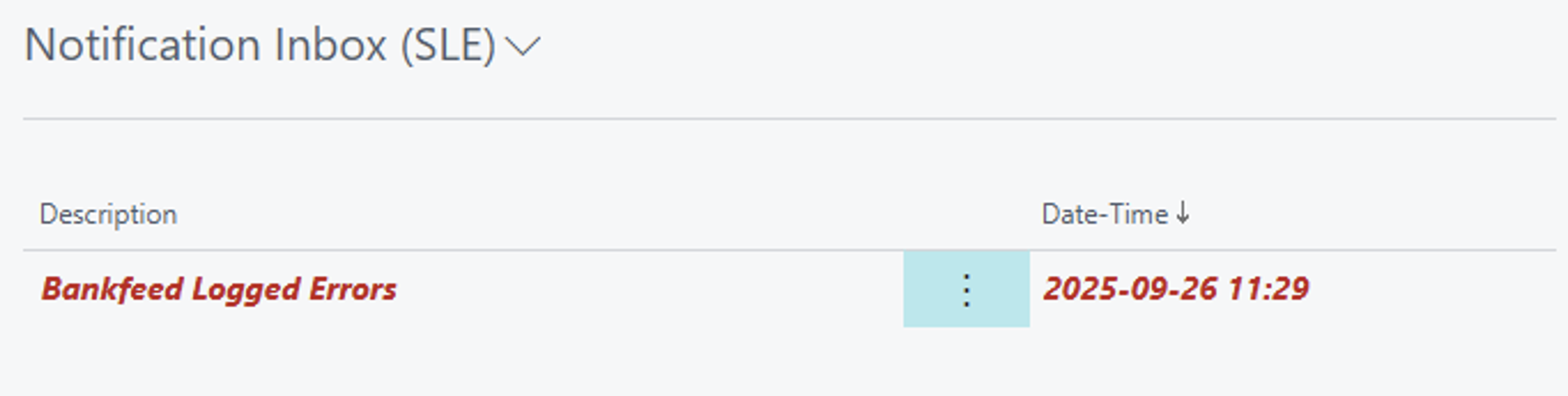
In this inbox, you will see only the new unread notifications.
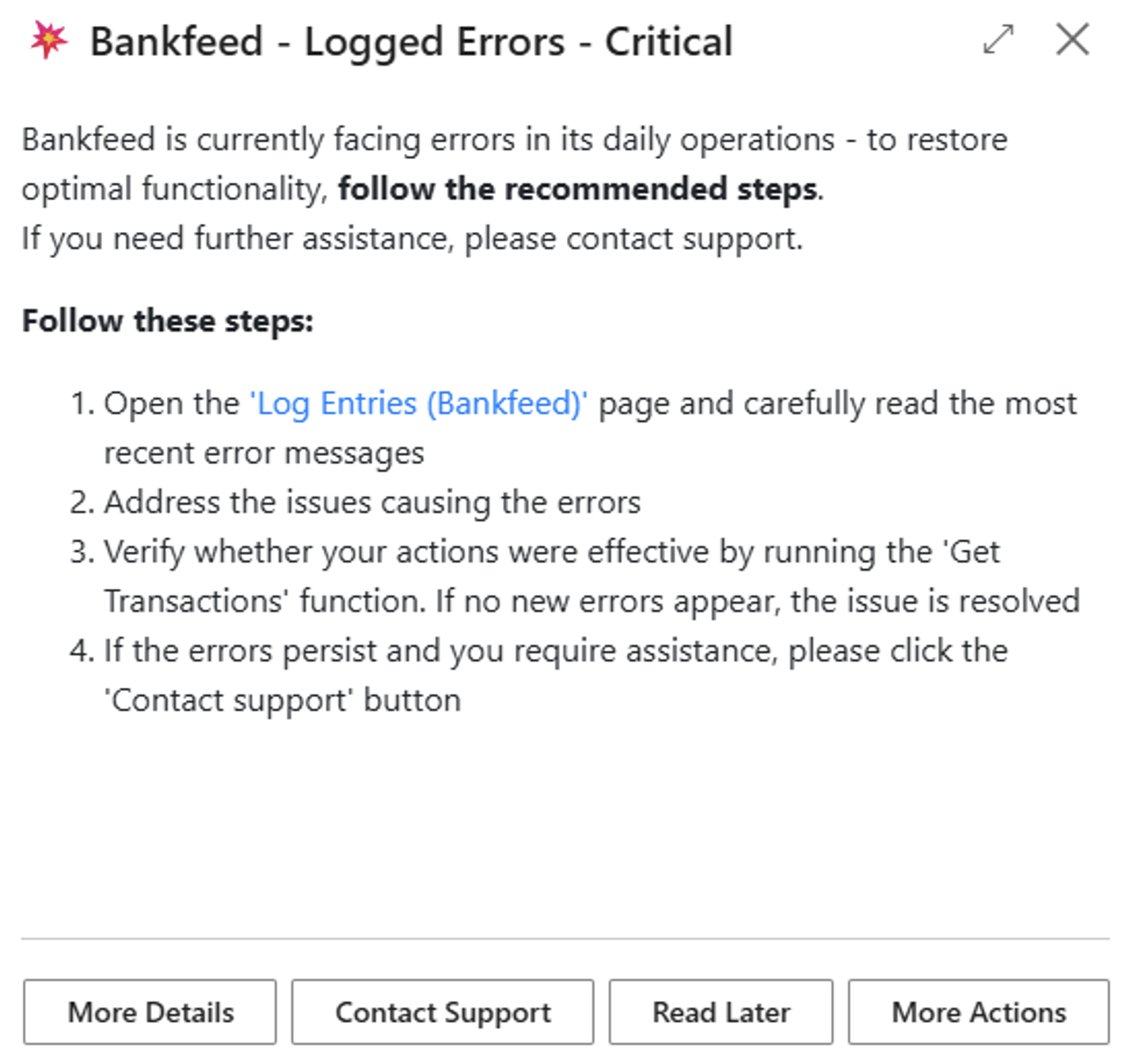
The other parts of the Role Center remain largely the same but have been shortened.
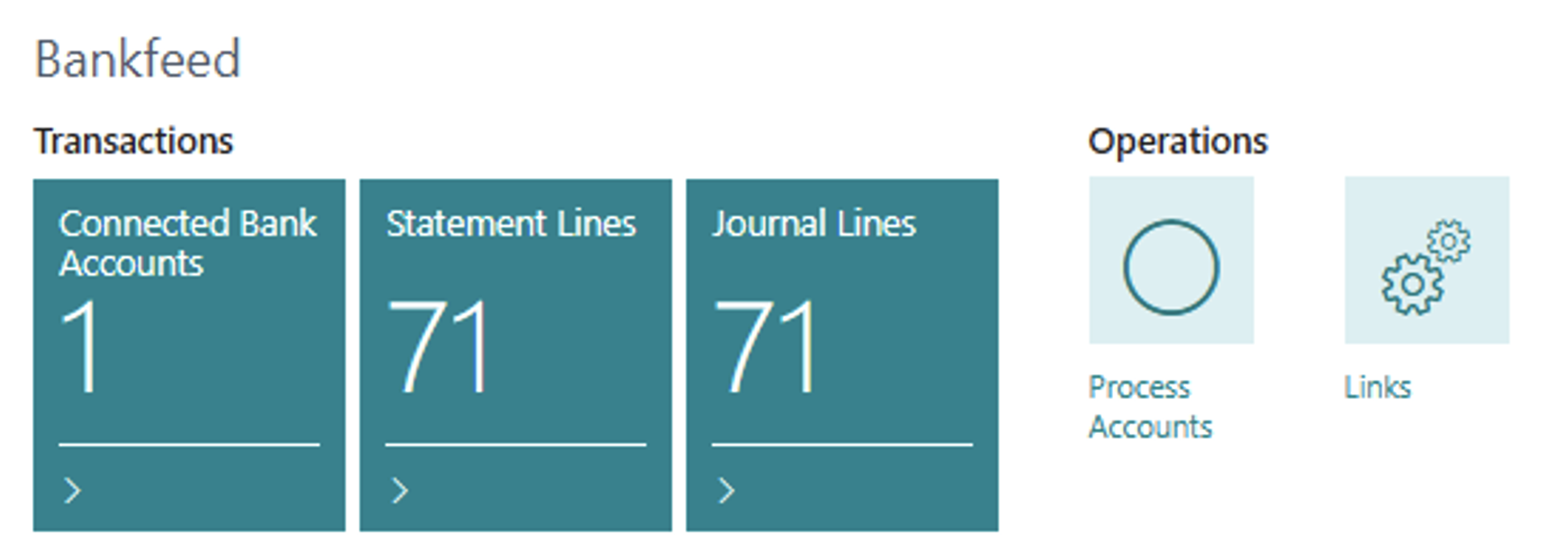
The new “Links” button serves as a menu for all Bankfeed pages and setups.
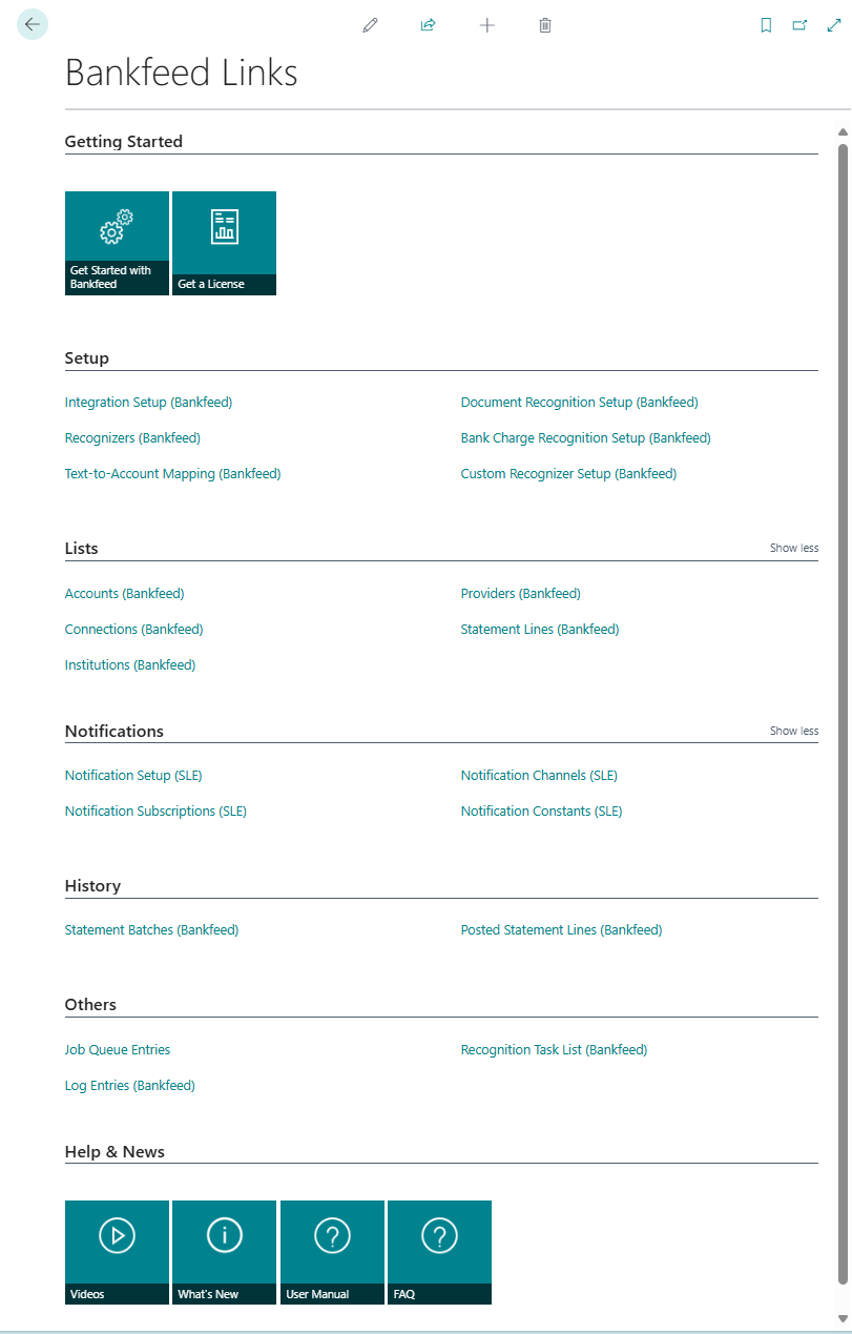
In the last section, “Bankfeed Help & Support”, you will find the Getting Started wizards, Today’s Errors, and links to product videos, manuals, and other useful information.
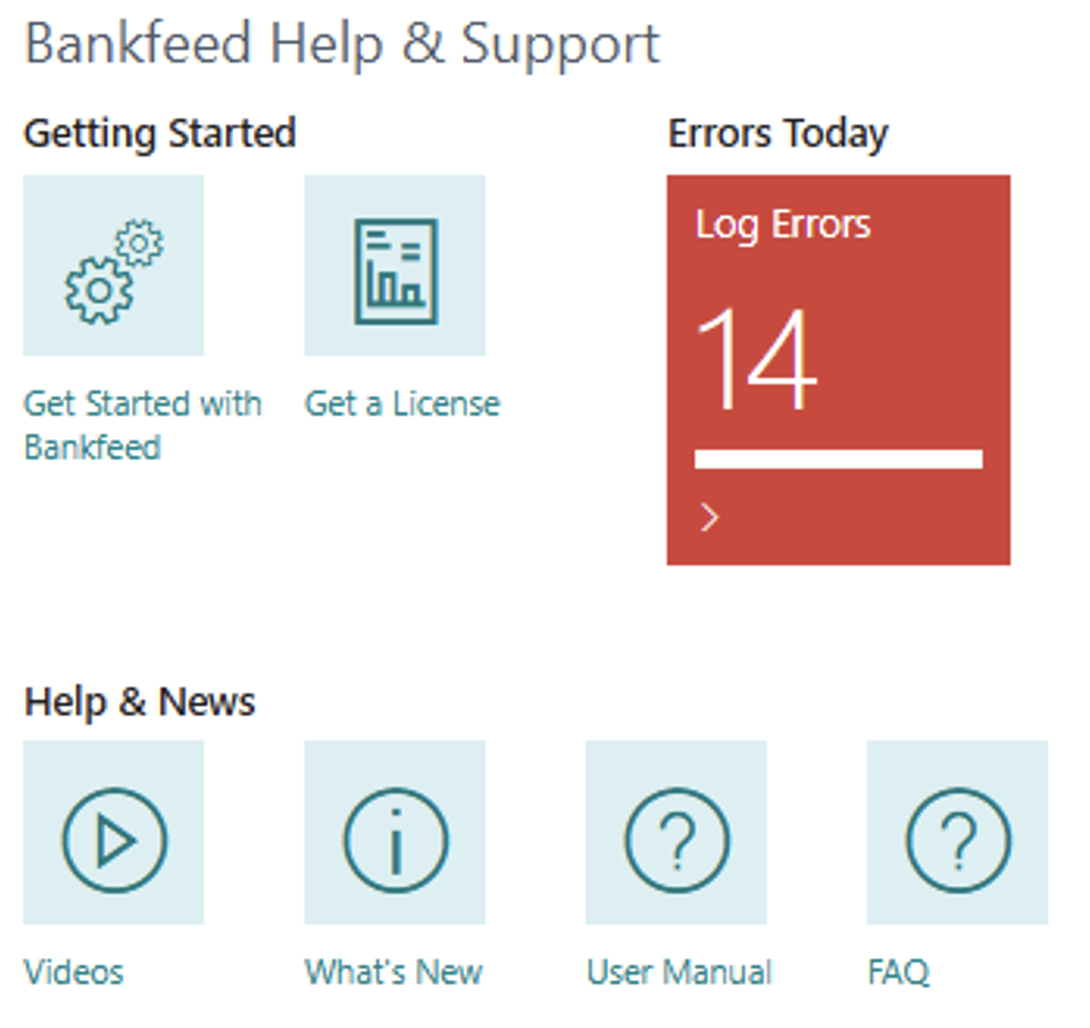
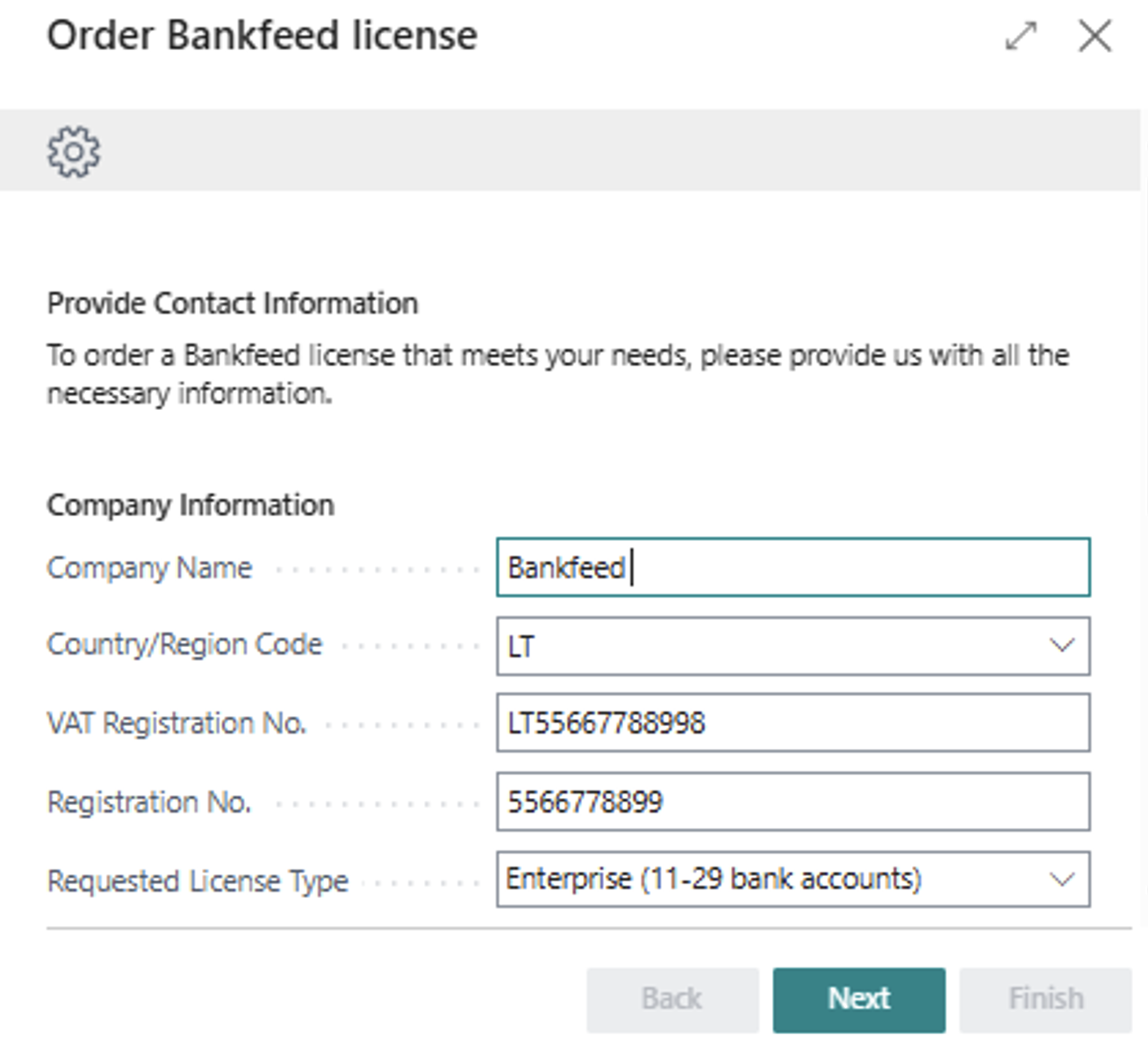
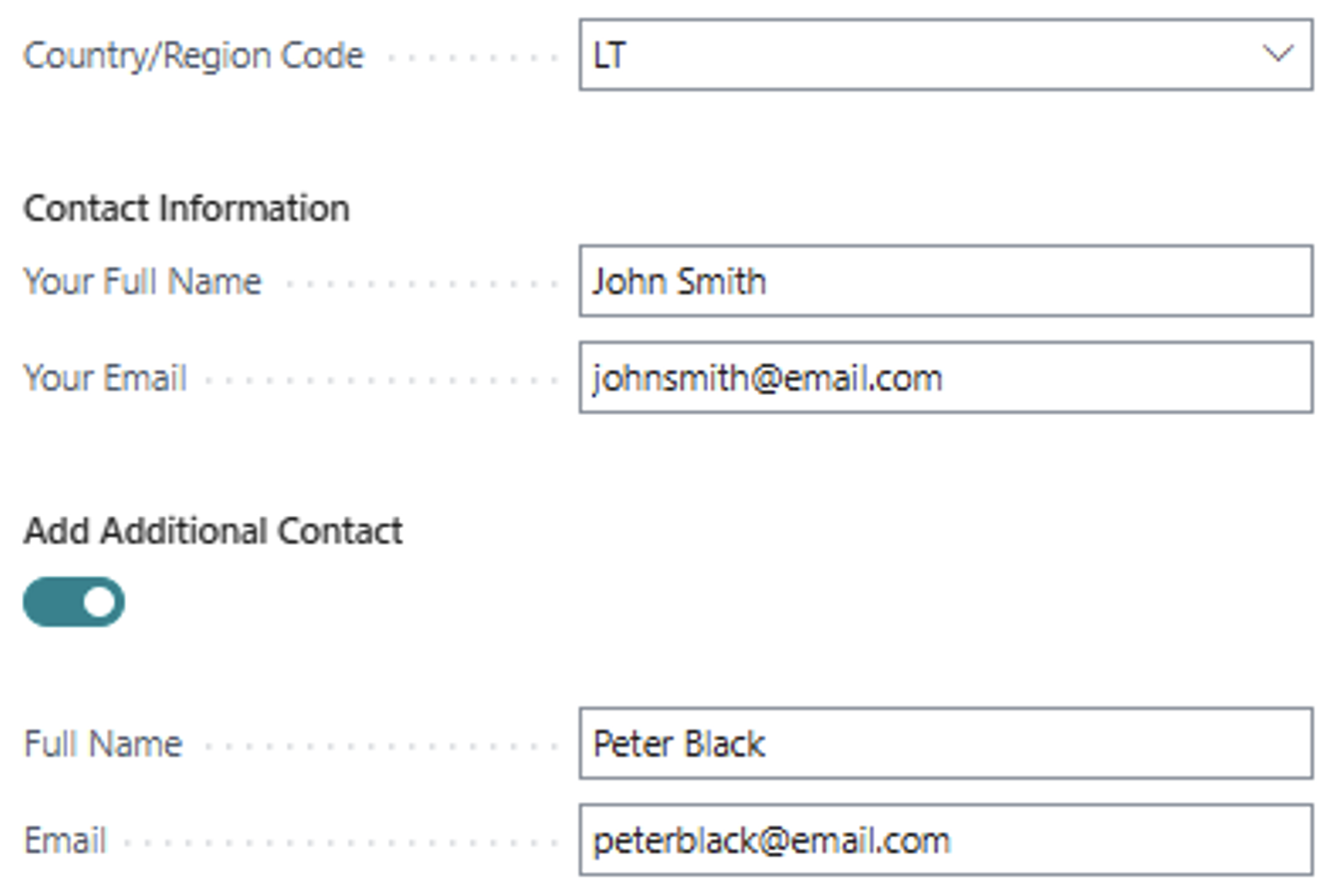
Obtaining a product license has never been easier. Simply run the wizard, fill in your information, and send the automatically generated email.
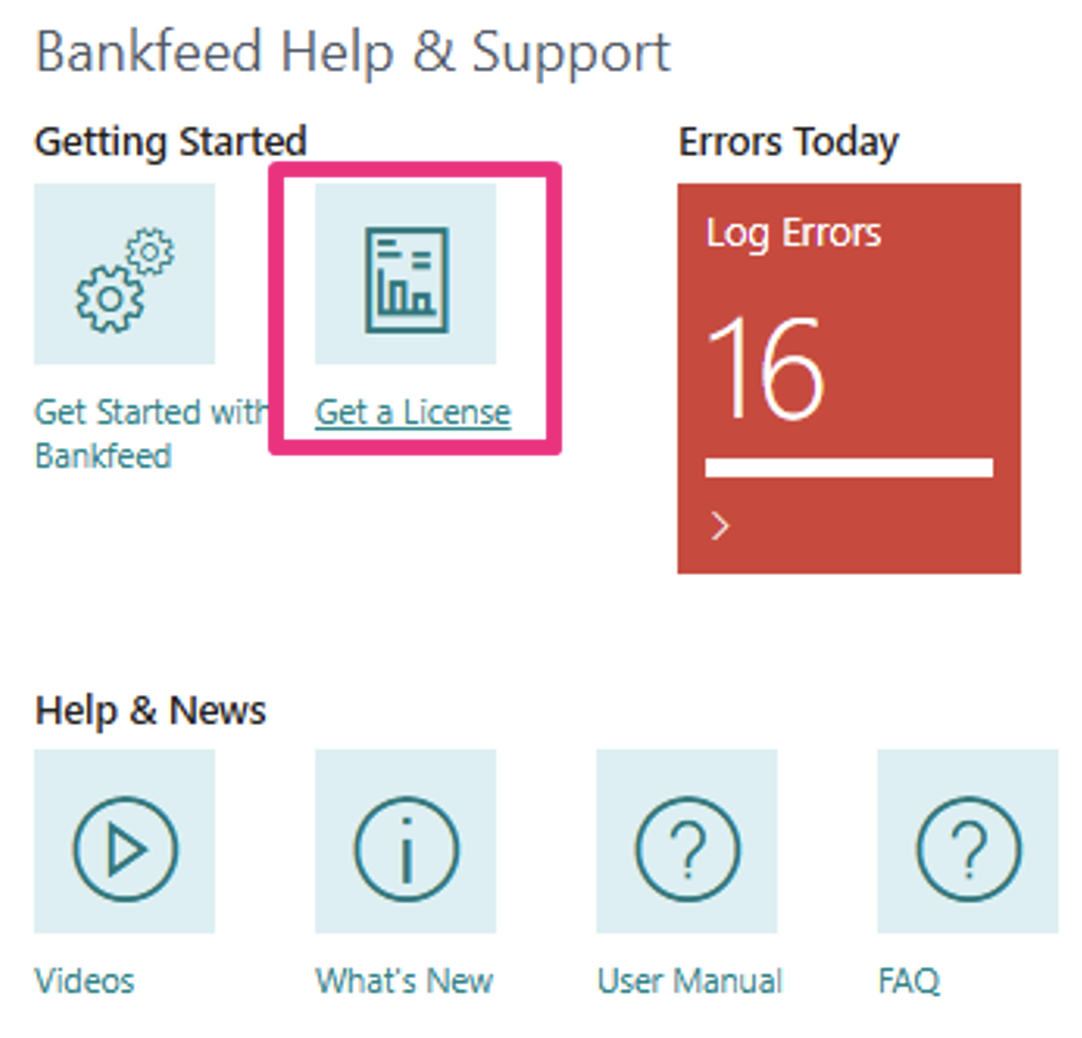
To successfully request a license, ensure that all required information is completed.
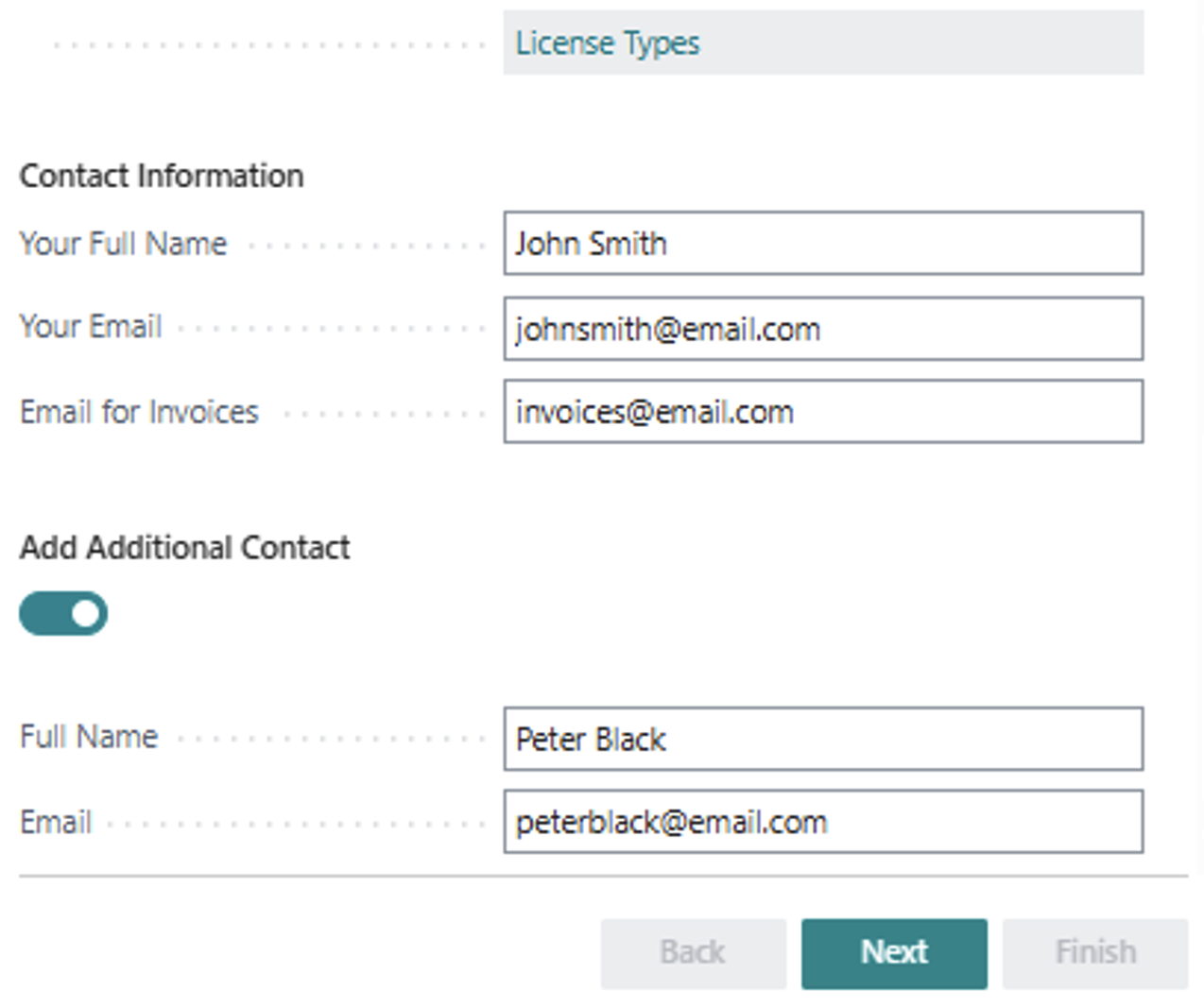
If you are using the services of a Business Central partner or an accounting firm, please include their names as well.
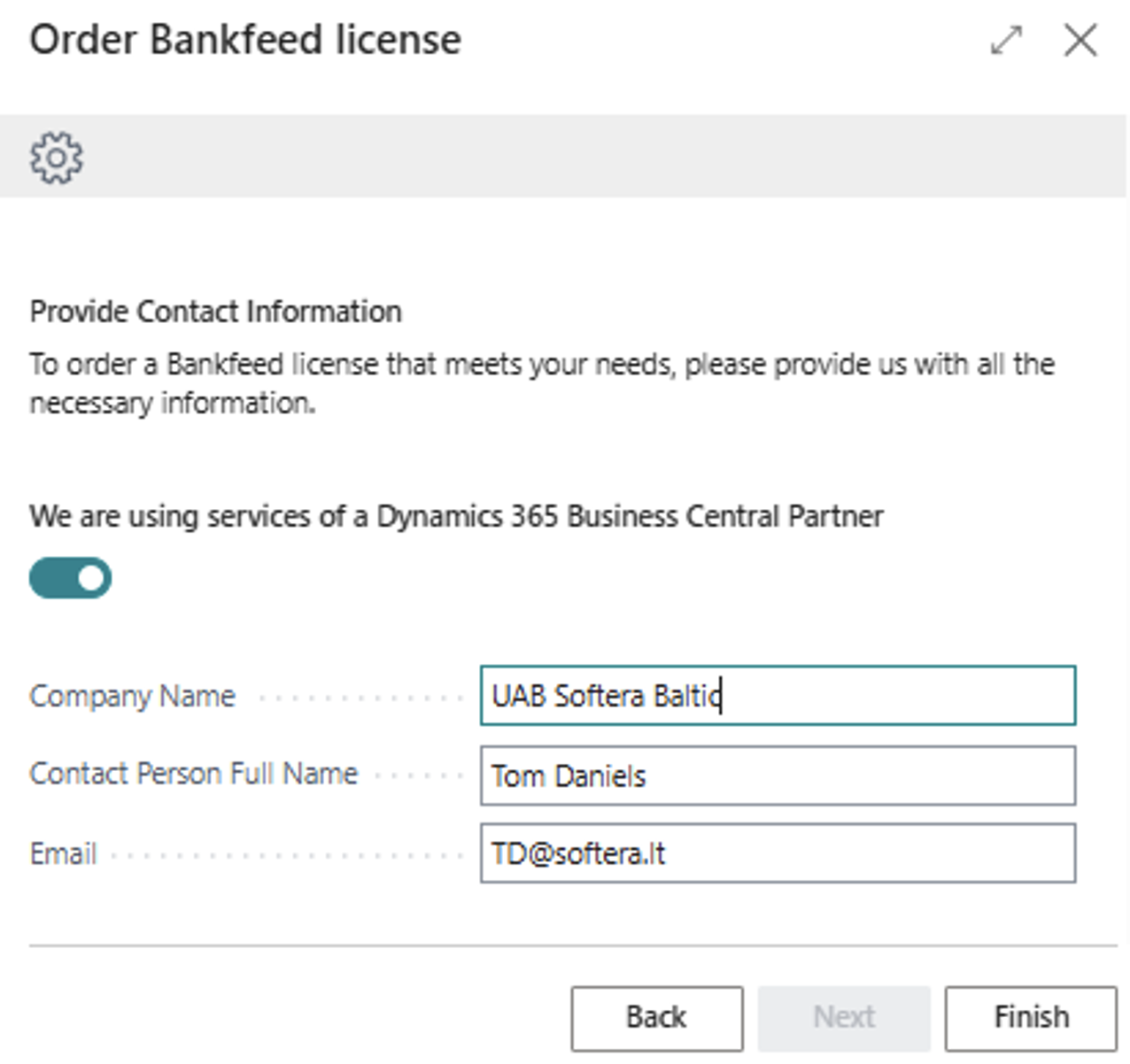
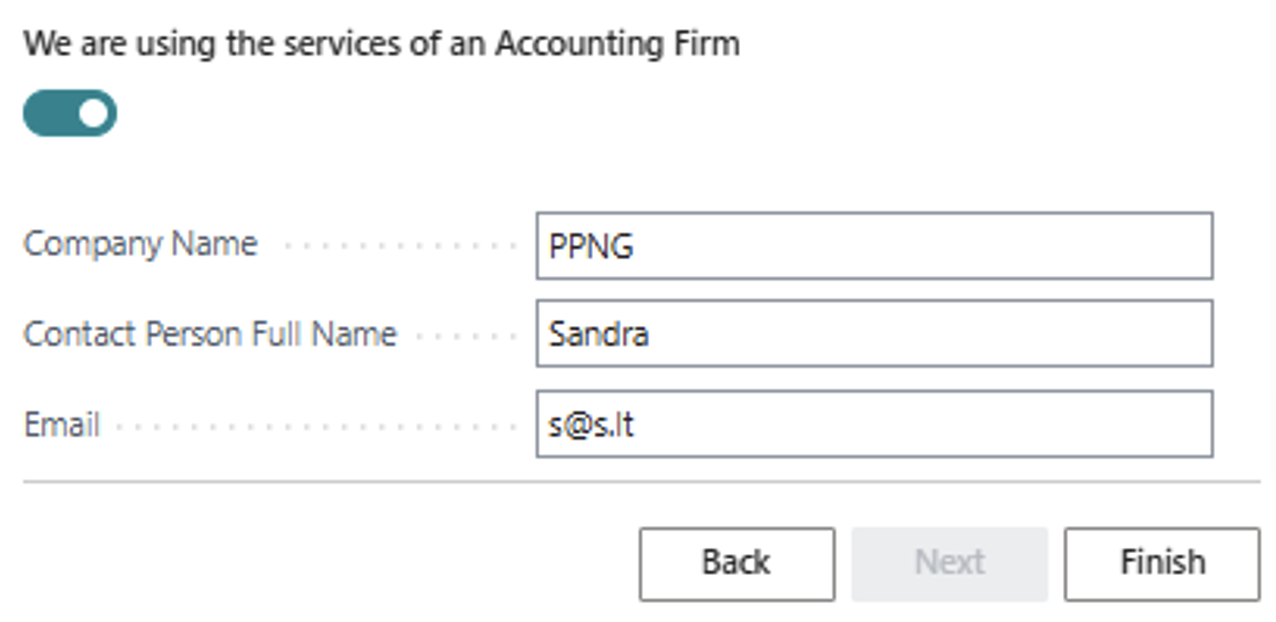
Once you have filled in the information, click Finish, and an automatic letter will be generated*. Send the letter to the Bankfeed team to obtain the license.
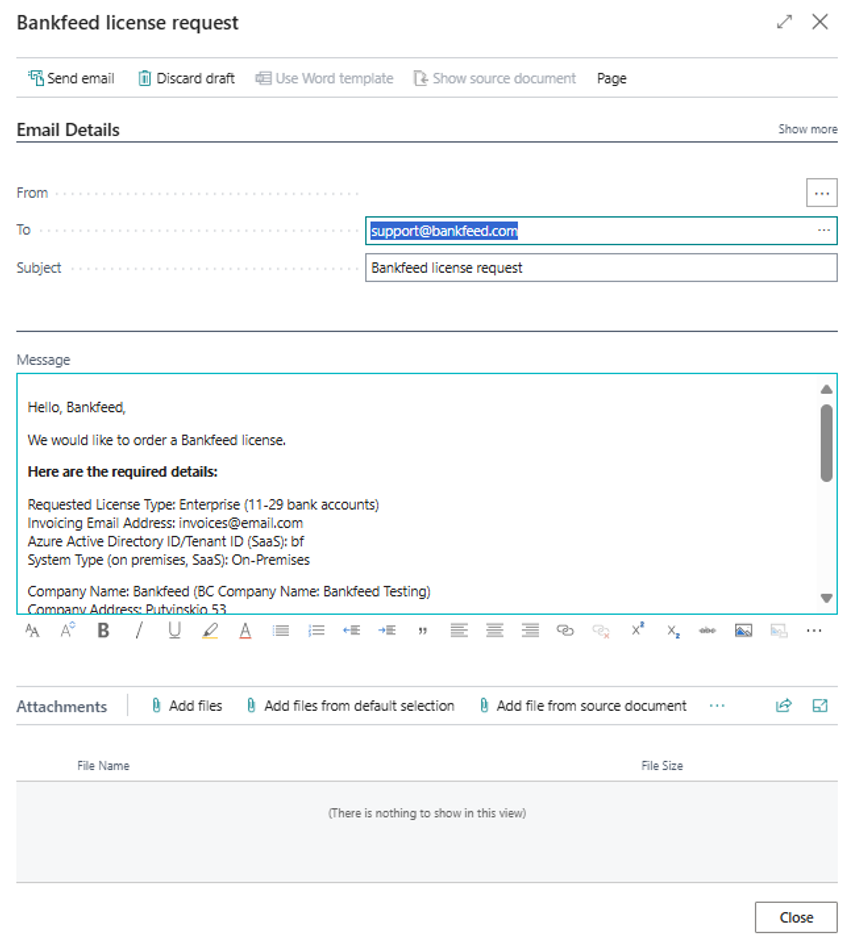
*To automatically send emails from Dynamics 365 Business Central, Email Accounts must be configured.
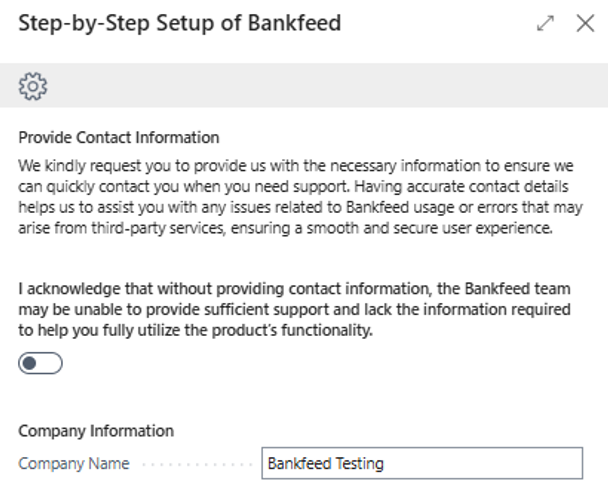
At Bankfeed, customer support is one of our top priorities. We want our users to enjoy the best experience with Bankfeed, even during their trial period. To achieve this, we need to gather some basic information about our clients. That’s why we’ve included an optional contact information step in our “Get Started with Bankfeed” wizard. Providing this information will help the Bankfeed team significantly improve your experience.
To improve our clients ‘ experience while working with the Bank Account Reconciliation page and have better status visibility of the Bankfeed transactions, we added a new column (which can be added using the Personalization mode) – “Transaction Status (Bankfeed)”.
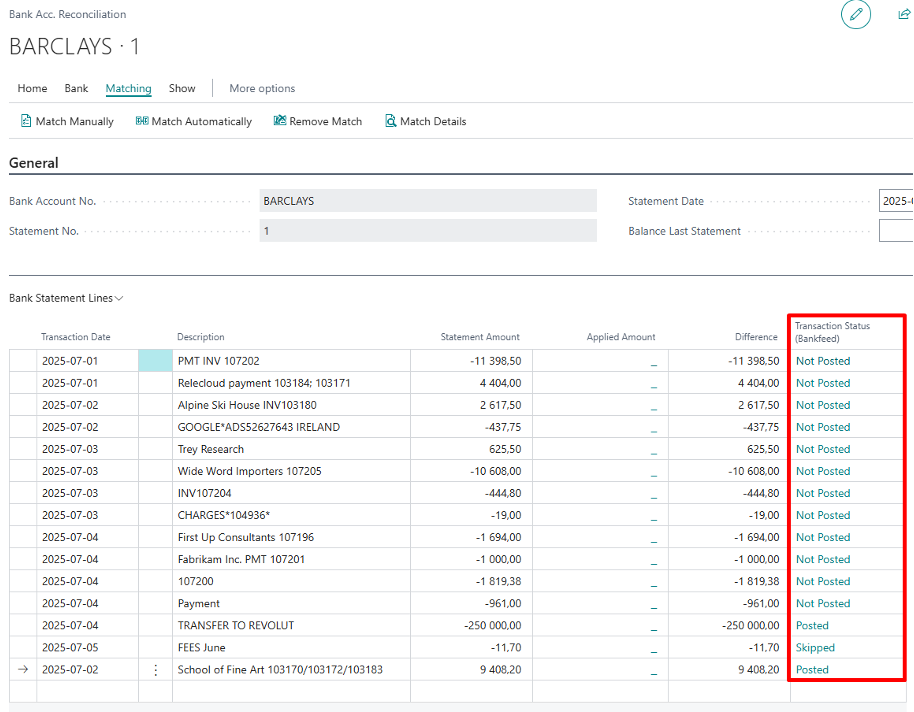
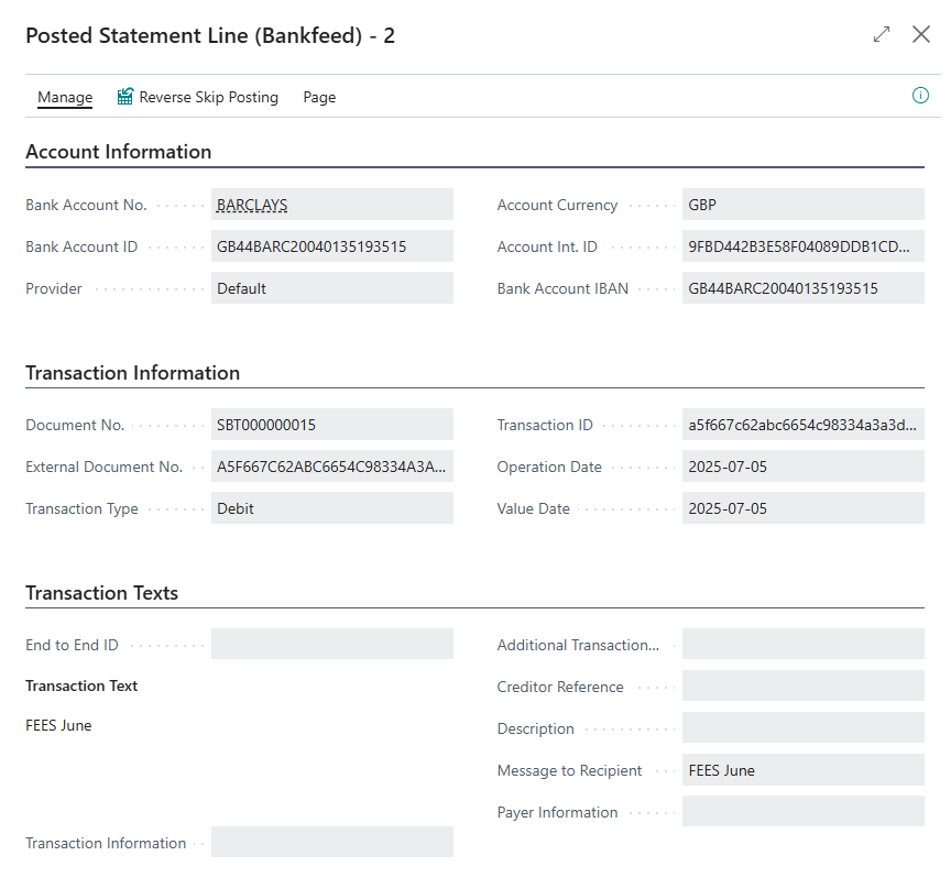
When the lines are added to the Bank Account Reconciliation page, they have the status: Not Posted, Posted, or Skipped. By clicking on the status, you can open the associated Bankfeed line.
TRY FOR FREE

HURRAY!
Feel free to leave your question here and we will email you the answer as soon as possible.
Hello, I found this Dynamics 365 Business Central add-on that would save me tons of time by automatically importing bank statements and matching payments with invoices. It has certain technical requirements like an up-to-date Business Central version and banks that comply with the PSD2 open banking protocol. Could you please check the requirements and let me know if we are able to use the Bankfeed app? The requirements are here: www.bankfeed.com/faq/, or you may contact the add-on’s developers at [email protected].
Bankfeed works as an add-on for Microsoft Dynamics 365 Business Central. Therefore the usage of this ERP system is necessary. The solution works best with the three latest versions of Business Central. Before installing Bankfeed, we recommend checking if the following conditions are met: 1. Open banking API (PSD2) is not occupied. If you use online payment provider services (Wordline, Wordpay, etc.), they might be connected through an open banking API. Therefore, Bankfeed will not be able to connect to this API as it is already occupied. In these situations, we can connect Bankfeed through the bank’s direct API, known as a Gateway. However, it usually requires additional banking fees and additional implementation hours. 2. Banks provide the information required for recognition and reconciliation. Even though open banking is regulated using the PSD2 protocol and is mandatory for all EU banks, the banks treat these requirements differently. The amount of information provided through the APIs and its quality can differ depending on the bank. This can lead to a situation where Bankfeed will not be able to properly identify customers/vendors or documents because of the lack of data. Here is a list of mandatory bank fields needed to enable Bankfeed’s payment recognition and reconciliation. Please check HERE if the banks you are using provide the information from these fields:
Enter your email, and you will immediately receive:
Enter your email, and you will immediately receive:
Enter your information, and you will be contacted regarding a pricing offer that suits your business needs.